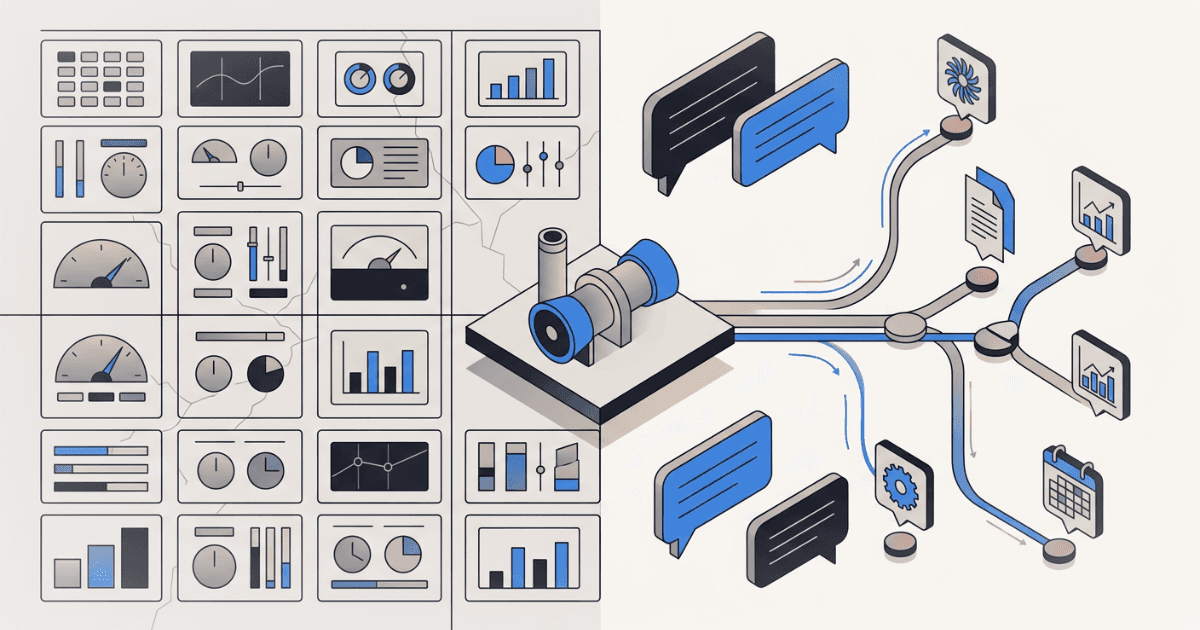
Building an AI Product With AI: What Changes When Your Prototype Cycle Is 48 Hours
In eight weeks, we built four fundamentally different prototypes for an industrial AI product. Three got thrown away. None took more than 48 hours to build. Here's what that does to venture building.
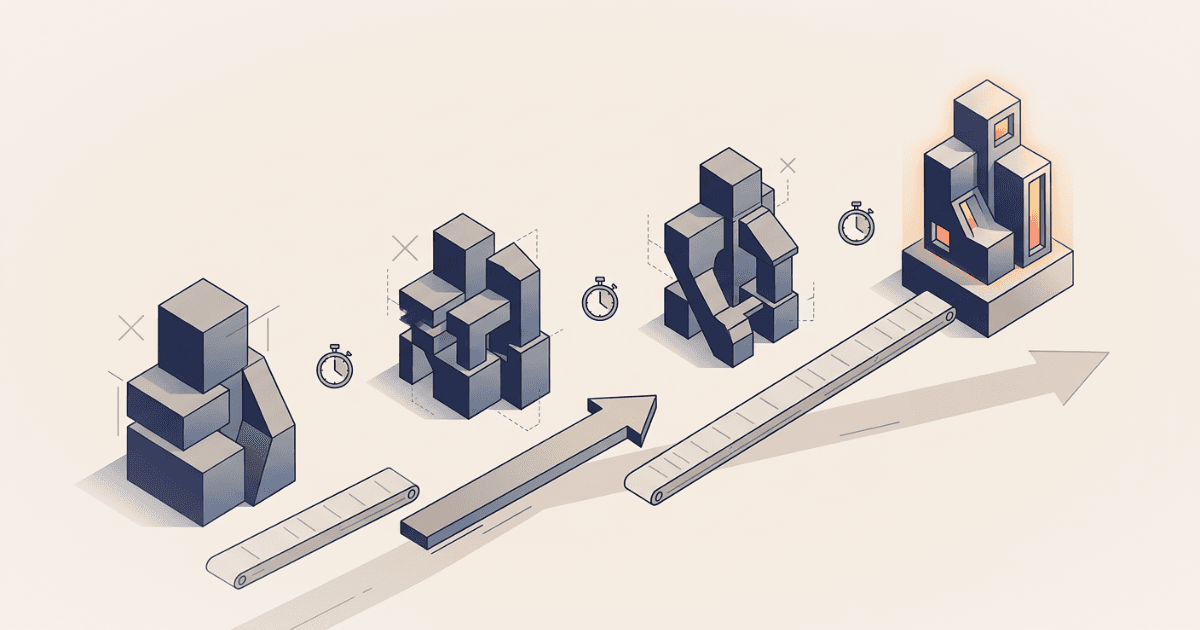
In eight weeks, we built four fundamentally different prototypes for an industrial AI product. Not four iterations of the same thing — four different interaction paradigms. Static landing pages. Role-based navigation. Interactive dashboards with process diagrams. A conversational AI interface querying 13 data systems in parallel.
We threw away three of them.
In a normal product development cycle, that would be catastrophic. Eight weeks of engineering time across four architectures, three of which you abandon? That's the kind of thing that gets a project killed in a quarterly review.
But here's the thing: none of them took more than 48 hours to build. The total engineering cost of three "failed" prototypes was less than a week of calendar time. And each one generated discovery insights that directly shaped what came next.
This is what changes when you build AI products with AI.
The Old Math vs. The New Math
I've been building ventures inside corporations for over a decade. The traditional prototype cycle looks something like this:
Week 1-2: Define requirements, sketch wireframes, align stakeholders on scope. Week 3-4: Build the prototype. Frontend, maybe a basic backend, mock data. Week 5: Internal review. Revisions. Week 6: Show it to users. Get feedback. Week 7-8: Digest feedback, plan next iteration.
That's one cycle in eight weeks. One hypothesis tested. If the feedback says "this is the wrong paradigm entirely" — not wrong features, wrong paradigm — you've just lost two months to learn something you could have learned in two days.
Here's what our cycle looked like:
Monday: Define the hypothesis. What interaction model are we testing? What should users feel, say, and question when they see it? Tuesday: Build it. Full prototype, realistic data, deployable. Wednesday-Thursday: Show it to operators. Record reactions. Friday: Synthesize. What did we learn? What do we build next week?
That's four full cycles in the same eight weeks. Four paradigms tested, not one. And the prototypes weren't wireframes or clickable mockups — they were working applications with realistic data, deployed to a URL you could share.
What AI-Assisted Development Actually Looks Like Here
I want to be specific about this, because "we used AI to code faster" is vague to the point of meaninglessness. Here's concretely what it changed:
Domain knowledge encoding in hours, not weeks. Our product sits in thermal power generation — combined-cycle gas turbines, maintenance intervals measured in fired hours and equivalent starts, LTSA coverage terms, PJM capacity market rules, NERC CIP compliance calendars. In a traditional build, getting this right means weeks of research, domain expert interviews, and iteration with engineers who catch your mistakes.
With AI-assisted development, we could describe the domain context conversationally and get technically credible output on the first pass. A 15,000-word system prompt encoding plant identity, maintenance history, root cause analysis databases, fleet failure patterns, team rosters, compliance status, safety records, and market rules — built and refined in a day. When a power engineer read it, his reaction was to correct specific details, not question the overall structure. That's the bar.
Frontend and backend in parallel, not sequence. The conversational AI prototype involved a React chat interface, a Next.js API route implementing a two-phase tool-use pattern (one non-streaming call for tool selection, parallel execution, one streaming call for the final answer), 13 tool definitions with realistic mock data handlers, 3 live external API integrations (weather, gas prices, electricity prices), inline chart rendering (bar, line, gauge, heatmap, methodology cards), source citation parsing with hover tooltips and click popovers, a systems sidebar with freshness indicators, an audit trail with transcript export, and an onboarding flow.
That's a non-trivial application. In a traditional build with a small team, you're looking at 3-4 weeks minimum. We built it in days because AI-assisted development collapses the gap between describing what you want and having working code. Not perfect code — working code. Good enough to put in front of users and learn.
Throwing things away becomes painless. This is the real shift. When a prototype costs two months, you fight to preserve it. You rationalize the feedback. "They liked the data density, so let's just rearrange the panels." When a prototype costs two days, you can afford to hear what users are actually telling you.
Our dashboard prototype was good. Clean, credible, engineers engaged with it. But they kept asking questions that required data from systems we hadn't included in the layout. Every interview surfaced a different combination of systems. The layout wasn't wrong for what it showed — it was wrong as a paradigm.
In a traditional cycle, that insight takes a month to earn and creates pressure to salvage the investment. In ours, it took three days to earn and cost nothing to act on. We started the conversational prototype the next Monday.
The Four Prototypes
Let me walk through what we actually built, because the specifics matter more than the abstraction.
Prototype 1: Landing pages. Six static HTML pages, each testing a distinct value proposition. Fleet prioritization with financial impact. Unified condition monitoring. Institutional knowledge capture. Supply chain visibility. We used these as stimulus material in discovery interviews — not to demo a product, but to provoke reactions from domain experts.
Build time: one day. These are static pages. Even without AI assistance, they're fast. But the copy — the value propositions, the feature descriptions, the terminology — had to be credible to operators who've been in the industry for twenty years. Getting the language right on the first pass saved multiple feedback rounds.
What we learned: Financial impact framing and fleet-wide pattern recognition scored highest. Knowledge capture was validated for thermal generation but rejected outright for renewables. The value propositions were real. The question was: what does the product actually look like?
Prototype 2: Role-based navigation. Three personas — Maintenance Manager, Operations Manager, Fleet Executive — each routing to tailored views. The hypothesis: different roles need different entry points into the same data.
Build time: half a day. Minor adaptation of existing pages with a role selector.
What we learned: Nobody cared about the persona routing. They cared about the question they had that morning. Operators don't think in org-chart categories. They think in situations.
Prototype 3: Interactive dashboard. A full Next.js application. Fleet overview with 12 units across 3 plants. Unit detail pages with DCS-style process diagrams — SVG connectors showing gas turbine to HRSG to steam turbine flows. Health scores, capacity bars, alert indicators. Click a unit, drill into its sensor data, maintenance history, and commercial context. All data hand-crafted to be technically realistic — real GE turbine frame models, plausible sensor values, maintenance costs with specific dollar amounts.
Build time: two days. This is where AI-assisted development made the biggest difference. The data model alone — 12 units with frame-specific parameters, realistic sensor ranges, maintenance histories with dates and costs — would normally take a day of research and spreadsheet work. Process diagrams with SVG positioning and connector arrows. Responsive grid layouts. None of it is individually hard, but the aggregate volume is what slows traditional builds to a crawl.
What we learned: High credibility. Engineers corrected specific details, which meant they were engaging with it as real — exactly the reaction you want from a discovery prototype. But the paradigm was wrong. Every interview revealed a different combination of systems the operator wanted to see together. Our four-panel layout was a bet on which systems matter. The operators told us: it depends on the question.
Prototype 4: Conversational AI. A chat interface backed by Claude, with access to 13 data tools covering plant operations, maintenance, financials, weather, market prices, compliance, fleet intelligence, and document search. The operator asks a question in natural language. The AI selects which tools to query, executes them in parallel, and streams a synthesized answer with source citations, inline charts, methodology transparency, and action buttons.
Three live API integrations pulling real weather data, real natural gas prices, and real electricity market prices. The rest backed by mock data realistic enough that engineers engaged with it as real.
Build time: three days for the initial version, then continuous refinement across the remaining weeks.
What we learned: This was the paradigm. Not because it was more impressive — it was less visually striking than the dashboard. But because it solved the fundamental problem: assembling cross-system context dynamically, shaped by the operator's actual question rather than a designer's assumed layout.
Three Things This Changes About Venture Building
1. You can test paradigms, not just features.
Most venture teams treat the interaction model as a given. "We're building a dashboard." "We're building a chatbot." "We're building a mobile app." Then they iterate on features within that paradigm for months before discovering the paradigm itself was the wrong bet.
When prototyping cost drops to days, you can afford to test the paradigm as a hypothesis. Build three different interaction models, put all three in front of users in the same week, and let the feedback tell you which one to invest in. The cost of being wrong about a paradigm is now measured in days, not quarters.
2. Domain credibility comes fast or not at all.
In specialized industries, your prototype either feels real to domain experts or it doesn't. There's no middle ground. An operator who's spent twenty years in a control room will dismiss your entire product in thirty seconds if the sensor values are implausible, the maintenance intervals are wrong, or the terminology is off.
AI-assisted development lets you encode domain knowledge at a level of specificity that would previously require a domain expert on the team from day one. You still need those experts — but you need them to validate and correct, not to generate from scratch. That's a fundamentally different engagement model, and it lets you move faster in the early discovery phase when every day matters.
3. The discovery prototype can be architecturally real.
There's a persistent gap in traditional venture building between the "discovery prototype" (a clickable mockup designed to test desirability) and the "feasibility prototype" (an engineered system designed to test whether the thing can actually work). Teams often test desirability with mockups, get a green light, then spend months discovering that the architecture they actually need looks nothing like what they mocked up.
When your AI-assisted prototype is a working application — real API calls, real streaming, real data pipelines — the discovery phase and the feasibility phase collapse into one. The prototype that users react to is also the prototype that proves the architecture works. You're not testing a drawing of a car. You're testing a car.
The Catch
There is one, and it's important.
Speed makes it easy to build things that look right but aren't. An AI can generate a 15,000-word system prompt about gas turbine maintenance that reads convincingly. If you don't have domain expertise to catch the errors, you'll show something wrong to an expert and lose credibility permanently.
AI-assisted development compresses construction time. It does not compress judgment time. Deciding what to build, what hypothesis to test, what question to ask in the next interview, how to interpret contradictory feedback — that still takes the same experience and discipline it always has.
The teams that will benefit most from this shift are the ones that were already bottlenecked on construction speed, not on strategic clarity. If you know what to test but can't build it fast enough, this changes everything. If you don't know what to test, building faster just means running in the wrong direction more efficiently.
What I'd Do Differently
If I were starting another venture in a specialized industrial domain tomorrow, here's what I'd change based on this experience:
Start with three paradigms, not one. Budget the first two weeks for three fundamentally different interaction models — not three versions of the same thing. Put all three in front of users. Let the paradigm emerge from evidence, not assumption.
Build real, not pretty. Use AI-assisted development to build working applications with realistic data and actual API integrations from day one. Skip the Figma phase. A working prototype with ugly styling teaches you more than a beautiful mockup with fake data, because users react to what the product does, not how it looks.
Encode domain knowledge early and imperfectly. Use AI to draft the domain model — the terminology, the data ranges, the maintenance concepts, the regulatory frameworks. Then put it in front of a domain expert and ask them to tear it apart. Their corrections are discovery gold. You want them fixing details, not explaining basics.
Measure throwaway rate. If you're not throwing away at least 50% of what you build in the first month, you're not testing aggressively enough. When construction cost is low, the most expensive mistake is over-commitment to your first idea.
Four prototypes. Three discarded. One that worked. Total calendar time: eight weeks. That math only works when building is cheap. Right now, for the first time, it is.
Want to discuss your innovation challenge?
Let's talk about how these ideas apply to your situation.
Schedule a call